

There is something genuinely magical about picking up a classic Game Boy or Game Gear and diving back into the games that defined childhood. But nothing kills that nostalgia faster than watching the battery indicator drop within the first hour of play. The good news is that with a few smart upgrades, you can spend far more time gaming and far less time hunting for fresh AA batteries.
Why Modern Rechargeable Batteries Are a Game Changer
The single best upgrade you can make to any retro handheld is swapping out disposable alkaline batteries for a quality set of nickel-metal hydride (NiMH) rechargeable batteries. These cells are reliable, environmentally friendlier, and dramatically cheaper over time. A typical household can spend well over $100 a year on disposable batteries for high-drain devices, so rechargeables pay for themselves quickly.
Panasonic Eneloop batteries are widely regarded as the gold standard, offering consistent performance and impressive cycle life, sometimes exceeding 2,000 charges. If you want a more budget-friendly option, IKEA LADDA batteries deliver comparable performance at a lower upfront cost. Both come in AA and AAA sizes, covering every major retro handheld on the market.
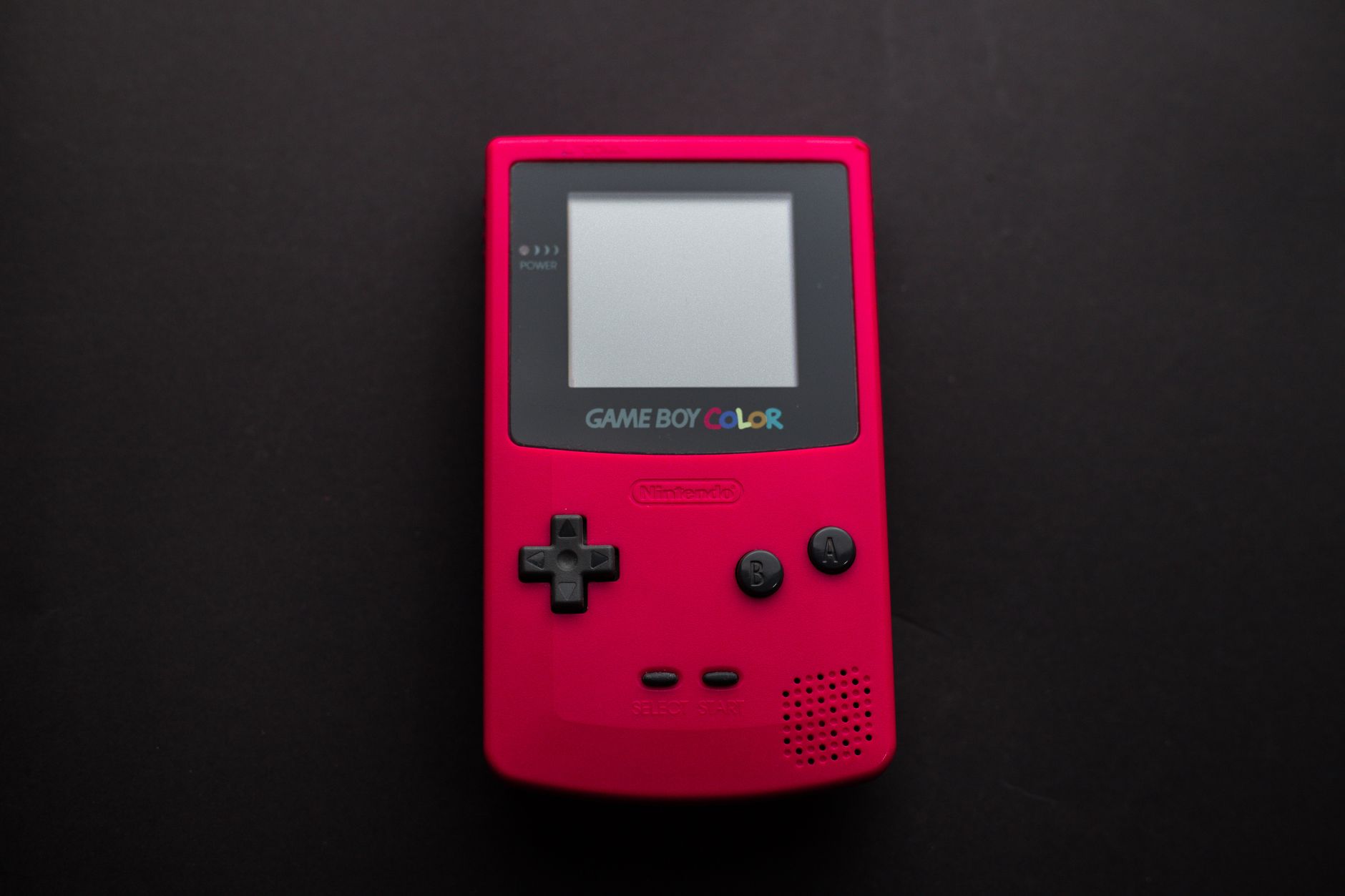
Here is what each system needs: the original Game Boy and Game Boy Advance each take four and two AA batteries respectively, the Game Boy Color uses two AA, the Game Boy Pocket runs on two AAA, and both the Sega Game Gear and Atari Lynx are hungry six-AA machines. A practical tip is to buy two full sets per system so one set is always charged and ready to go while the other is in the device.
What to Know About Battery Indicators and Modded Hardware
One thing worth knowing before you make the switch is that retro handhelds were designed around the voltage curve of alkaline batteries. NiMH cells discharge differently, which means the low-battery warning light might appear earlier than expected even when plenty of charge remains. Get into the habit of saving your game the moment that warning triggers and you will avoid any frustrating lost progress.
If your handheld has been modded with a brighter backlit screen or other power-hungry hardware changes, battery drain increases noticeably. In those cases, consider keeping a third set of batteries on hand. Some voltage-sensitive mods may actually perform better with 1.5V rechargeable lithium batteries, though these cost more than standard NiMH options and are worth researching before committing.
USB-C Battery Mods Bring Retro Handhelds Into the Modern Era
For players who want to eliminate battery swaps entirely, USB-C rechargeable battery pack mods are an exciting option for systems like the original Game Boy. These kits essentially give your vintage hardware a built-in rechargeable battery, making it feel closer to a modern portable console. Some even support compatibility with USB-C power banks for extended sessions on the go.
That said, not all USB-C mods are created equal. Some designs do not fully isolate the battery during charging, which can generate excess heat and create safety concerns when playing while plugged in. Always research user reviews and choose well-regarded kits from established modding communities before installing anything.
Whether you are rediscovering retro gaming for the first time or building out a dedicated collection, investing in the right battery solution is one of the smartest and most affordable hardware decisions you can make. Shoppers ready to upgrade their setup should look for Panasonic Eneloop multipacks, quality NiMH chargers, or reputable USB-C mod kits to get the most out of every gaming session.